Match Your Order
Your COA should match the order details you receive.When an order arrives, compare the product name and lot information against the certificate included with it before treating the record as complete.
Searchers looking for peptide quality signals often want one simple answer: how do I know the product, lot details, and documentation line up? This page keeps the certificate checkpoints close to the catalog so the verification path stays clear.
Match Your Order
Your COA should match the order details you receive.When an order arrives, compare the product name and lot information against the certificate included with it before treating the record as complete.
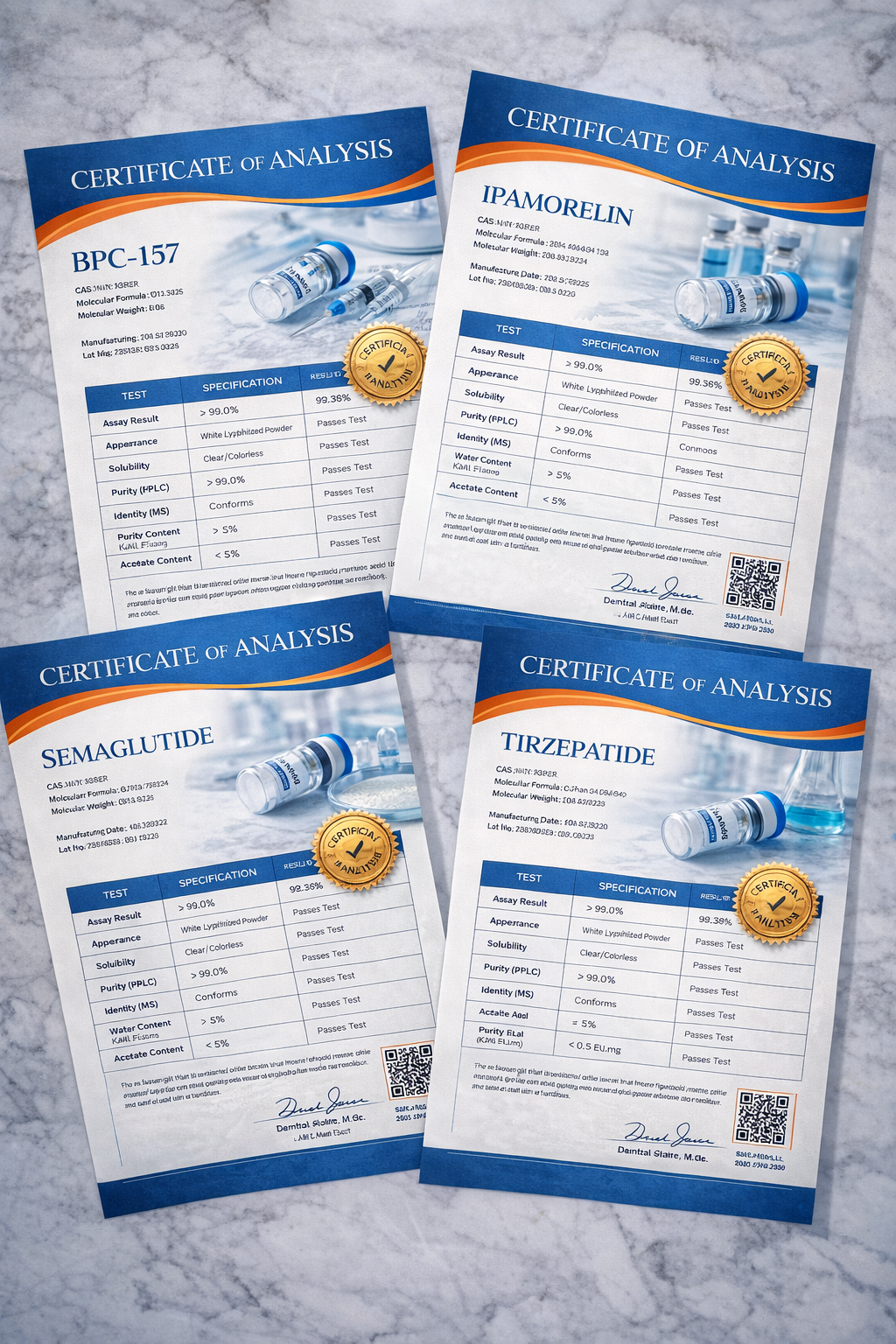
Review the guidance here before you order, then compare the product name and lot details against the COA that comes with your shipment.
COA Checklist
Buyers usually do not need a complex process. They need a quick, repeatable checklist that helps them confirm the document belongs to the right product and order record.
Make sure the certificate references the same product name shown on the item and order details.
Compare the lot details on the product or order materials with the lot details shown on the certificate.
Keep the certificate with the order confirmation so support can help faster if anything needs clarification.
If a detail does not match, contact support before placing a repeat order or relying on the record.
Need Help?
If you need help matching a certificate to an order, start with the COA guide, then use the contact page or email info@vigorpeptide.com so the support team can help you review the record.
Keep Moving
The COA Center now sits in the middle of the shopping path, with direct routes back to the catalog, FAQ, and the live email-order page when you are ready.
Use the COA Center as a quick checkpoint, then continue shopping with the quality page and catalog still close by.